Real model context protocol setup for operators
I would not connect model context protocol to every business tool on day one.
I would connect one boring system, prove the agent reads the right data, then add one action with a human approval step.
For my work, AI agents are not a lab project. They help run a business, so the standard is simple: less copying, fewer missed details, and no mystery permissions.
The short answer is this: MCP is the shared connection layer between an AI app and the outside systems it needs.
What is model context protocol in plain English?
Model context protocol is an open-source standard for connecting AI applications to external systems.
The official MCP docs describe it as a way for apps such as Claude, Anthropic’s AI assistant, or ChatGPT, OpenAI’s AI assistant, to reach files, databases, tools, and workflows.
I checked the official MCP introduction on 21 August 2026. The docs frame MCP as the AI equivalent of a common port.
The analogy is useful if you do not push it too far. MCP is neither the model nor a memory system. The protocol is how an AI app asks an outside server what it offers.
In practical terms, an MCP server exposes useful things. Those things fall into tools, resources, and prompts.
- Tools perform actions, such as creating a calendar event or querying a database.
- Resources provide read-only context, such as a file, schema, document, or project note.
- Prompts package a repeatable workflow for the user to run.
The official specification says MCP uses JSON-RPC 2.0 messages and a client-server architecture. I checked it on 21 August 2026.
The protocol detail matters for one reason: MCP is meant to make integrations portable, not magical.
Why I would wire MCP into my workflow now
I would use MCP where an agent keeps asking me for the same context.
In my workflow, the repeated context is often project notes, operating checklists, product data, support history, or files sitting outside the chat window.
Without MCP, I paste context into the agent. I paste the same thing again when the chat resets. Then I inspect the answer and wonder which version of the data it used.
With MCP, the agent asks a connected server for approved context. The work moves from copy-paste to controlled access.
| Old way | MCP way |
|---|---|
| Paste files into chat | Expose a read-only resource |
| Describe the workflow each time | Offer a reusable prompt |
| Let the agent guess tool options | Expose typed tool inputs |
| Review after the damage | Approve sensitive actions first |
This is why MCP earns attention from operators. The value is not a demo where an agent touches ten apps.
The value is a repeatable path from a question to the right business context, with permission boundaries you understand.
Anthropic’s MCP release page announced MCP on 25 November 2024 as an open standard for connecting AI assistants to data sources. I checked it on 21 August 2026.
The same page says developers expose data through MCP servers or build MCP clients inside AI applications.
The distinction helps. I do not need to own the whole stack to benefit from MCP. I need one useful server connected to one host I already trust.
My model context protocol build plan
My first MCP build would be read-only.
I would choose one narrow knowledge source, such as operating notes or product documentation, and expose only the folders the agent needs.
I would avoid email, messaging, billing, and customer write access at the start. Those systems create too many ways for an agent to act before the process is proven.
The first useful test is plain: ask the agent a question where the answer exists in the connected source, then check whether it cites or uses the right record.
If the answer is wrong, the fix is not a larger model first. The fix is usually a cleaner server description, a smaller folder scope, or better document structure.
After read-only access works, I would add one action. Not five actions. One.
A good first action is low-risk and easy to reverse, such as creating a draft note, opening a ticket, or preparing a calendar item for approval.
Every action should have a name a human understands. “create_ticket” is better than “execute_workflow”, because the approval screen needs to be obvious.
I would log every tool call, input, output, and approval. If I have no inspection trail, I do not want the agent touching the workflow.
OpenAI’s Apps SDK reference, developer docs for ChatGPT app integrations, says new UI should start with the shared MCP Apps specification. I checked it on 21 August 2026.
The operator lesson is simple: build on the shared layer, then add vendor-specific pieces only when they pay rent.
Where model context protocol breaks first
MCP fails first at the permission boundary, not the protocol boundary.
The dangerous version of MCP is a server with broad access, vague tool names, and no approval record.
The official MCP security guide covers confused deputy attacks in proxy servers, where authorisation gets misused across clients. I checked it on 21 August 2026.
For a small business workflow, I translate the security risk into four rules.
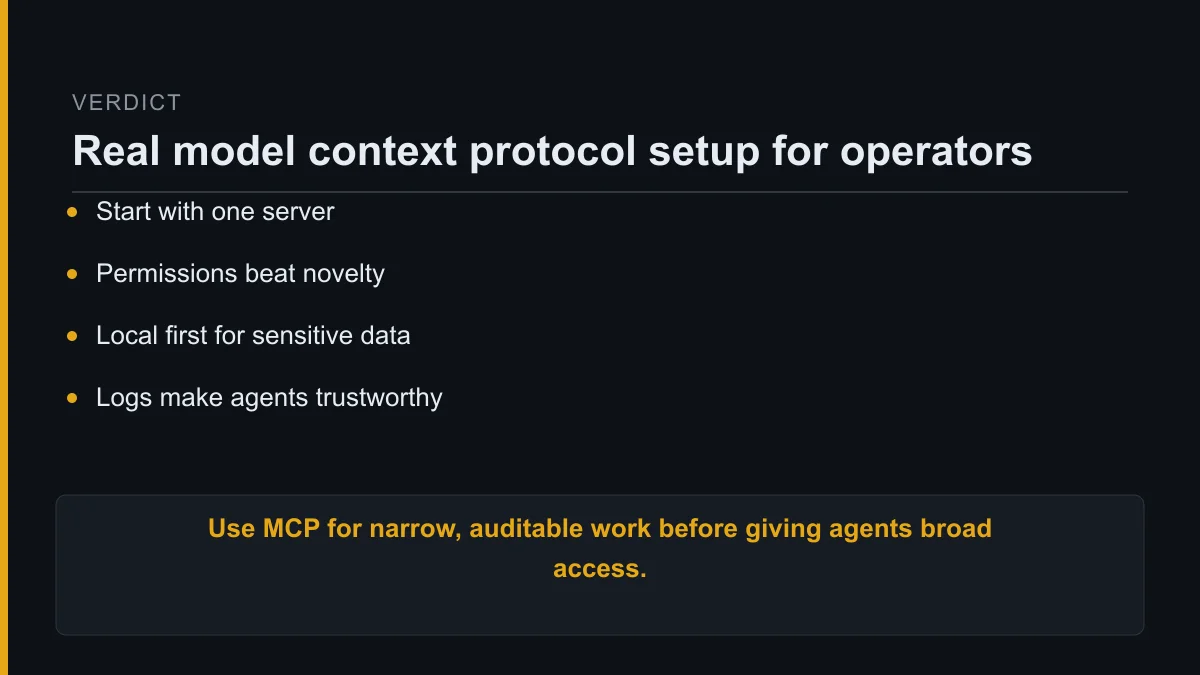
- Expose the smallest useful scope.
- Prefer read-only resources before write tools.
- Require approval for external actions.
- Keep logs readable for a non-technical person.
I also treat third-party MCP servers like plugins with keys to the office. The question is not whether the demo works.
The question is what the server sees, what it stores, who runs it, and how quickly I get an off switch.
Local MCP servers suit private files and desktop workflows. Remote MCP servers suit shared services, hosted tools, and access from several devices.
The official docs describe local servers as programs running on your computer, while remote servers are hosted online. I checked both MCP guides on 21 August 2026.
If the workflow involves private operating material, I start local unless there is a strong reason not to.
How to act on MCP today
Start by writing down one sentence: “I want my agent to read X so it helps me do Y.”
If X and Y are unclear, you are not ready to install another connector.
Then pick the safest version of the workflow. A useful first setup has one host, one server, one folder or service, and no write access.
For example, I would connect an agent to an operations folder, then ask it to answer questions about internal procedures.
Only after the answers match the source would I let it create draft tasks or draft notes.
My checklist before adding write access is short.
- Does the agent retrieve the right source?
- Does the server expose only the needed scope?
- Does every tool name explain the action?
- Does the host ask before the action runs?
- Does a log show the final input and output?
If any answer is no, I keep the workflow read-only.
The best MCP setup is not the one with the most servers. It is the one where the agent reaches the right context, performs a narrow job, and leaves a record.
My model context protocol setup for a real operating stack has one trusted connection, one useful job, and one clean audit trail.
FAQ
Do I need to write code for MCP?
You do not always need to write code for MCP. Many hosts let you add existing servers, but custom business workflows often need a small server or configuration file.
Is MCP safe for private files?
MCP is only as safe as the server, host, permissions, and workflow around it. For private files, start with local read-only access and expand scope slowly.
Should I use local or remote MCP servers?
Use local MCP servers for private desktop files and remote MCP servers for hosted tools or shared team systems. Pick the smallest setup for the job.
What should my first MCP server expose?
Your first MCP server should expose a narrow read-only resource. Good choices include operating notes, product docs, a project folder, or a non-sensitive knowledge base.
About Kurt Stockhausen
I run a business and use AI agents to build the systems around it.
I write build logs from real workflows: what I wired up, what it cost, what broke, and what I changed after the first version failed.
I am not a developer by trade. I care about model context protocol because better agent context means less manual operating work and more reliable business systems.
