Build a safe AI coding agent stack
The mistake in most AI coding agent stack setups is giving the agent a bigger hammer before giving it a safer workbench.
A one-person software factory does not need unlimited autonomy. It needs a stack where agents can plan, edit, test and explain changes without holding production keys.
I use agents to build business systems because the tools let a non-developer by trade ship useful software faster. The win is not magic code. The win is controlled throughput.
This guide is the reference architecture I would start from: planning, coding agents, model routing, MCP tools, Docker sandboxes, memory, review, tests, CI and deployment.
What is the safest AI coding agent stack for one person?
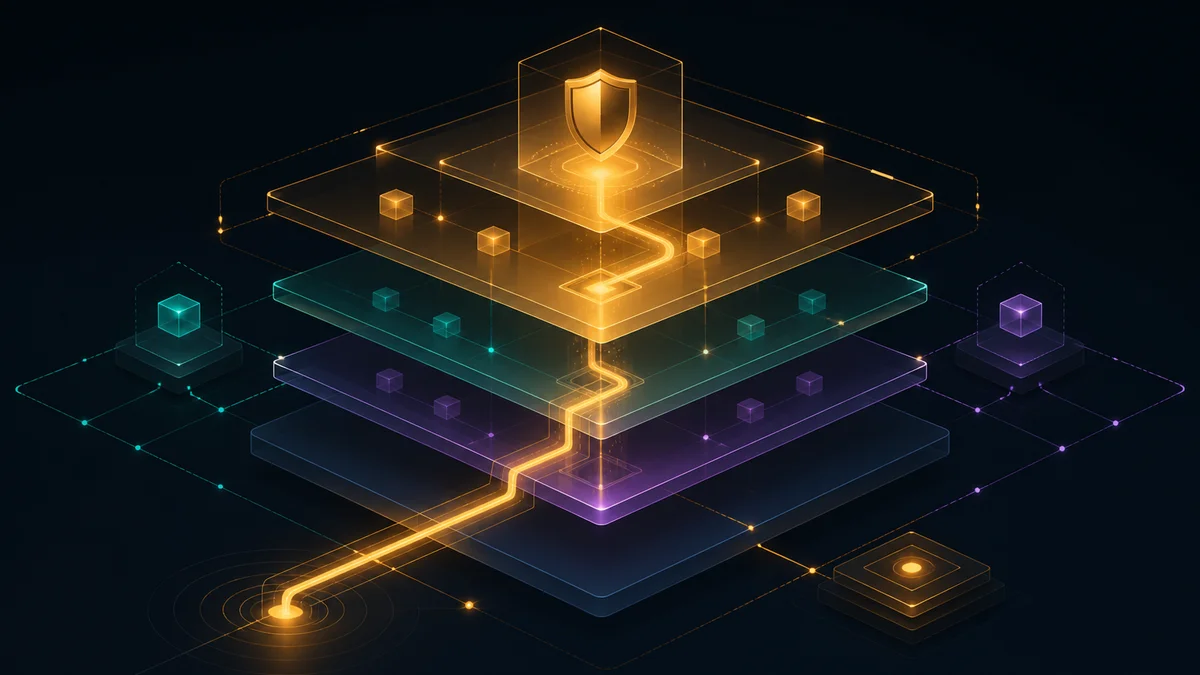
The safest AI coding agent stack is a layered system: human intent at the top, disposable execution underneath, and production deployment outside the agent’s direct reach.
The agent can propose, edit and test. The repository, sandbox, CI pipeline and deployment gate decide whether the work deserves to move forward.
Think of the stack as a chain of permissions. Each layer should make the next layer safer, not merely faster.
| Layer | Job | Control point |
|---|---|---|
| Plan | Define the change | Human approval |
| Agent | Edit code | Branch only |
| Tools | Read or act | Least privilege |
| Sandbox | Run commands | Disposable container |
| Review | Catch mistakes | Diff and tests |
| CI | Verify build | Required checks |
| Deploy | Promote release | Separate gate |
In prose: planning narrows the work, the agent edits on a branch, tools expose only what is needed, sandboxes absorb damage, and CI blocks unverified changes.
How should planning work before an agent touches code?
Planning should turn a vague request into a small, testable job before the coding agent receives repository access.
A good plan names the outcome, files likely to change, commands to run, review criteria and rollback path. If that sounds heavy, write five bullets. Do not write a novel.
For solo operators, the plan is mostly a brake pedal. It stops you from asking an agent to “improve the app” and watching it rearrange half the codebase.
- Describe the user-facing behaviour you want.
- List the files or modules the agent may inspect first.
- State what the agent must not change.
- Name the test, build or manual check that proves the change worked.
- Decide whether the job is allowed to touch data, secrets or deployment files.
I keep the first pass boring on purpose. Agents perform better when the task has edges, and I make better decisions when the diff is small enough to read.
Which coding agents belong in the stack?
Use more than one coding agent role, but do not confuse roles with authority. One agent can implement, another can review, and neither should deploy unchecked.
A terminal coding agent is useful for repository work because it can inspect files, run commands and make edits. A chat assistant is better for planning, explanations and design choices.
Cloud coding agents add convenience, especially when they can open pull requests. Local agents add control because the code and tools stay closer to your own machine.
| Agent type | Best use | Main risk |
|---|---|---|
| Chat assistant | Plans and explanations | Invented context |
| Terminal agent | Repository edits | Unsafe commands |
| Cloud agent | Pull requests | Overbroad repo access |
| Review agent | Diff critique | Rubber-stamping |
The comparison is simple: chat agents think with you, terminal agents work in the codebase, cloud agents handle remote tasks, and review agents challenge the patch.
GitHub describes its Copilot cloud agent as an agent that can work on tasks in the background and create pull requests. I checked the official GitHub docs on 5 August 2026.
That does not make a cloud agent the owner of the release. Treat a generated pull request like a junior contractor’s work: useful, fast, and still subject to review.
Should models run locally, in the cloud, or both?
Most solo operators should use both local and cloud models. Route sensitive, bounded and repetitive work locally; route hard planning or large-context code work to stronger cloud models.
A local model is not automatically private if the tools around it leak data. A cloud model is not automatically unsafe if the task has no secrets and the agent runs inside a tight sandbox.
I would not build this stack around a single model. Models change, prices change, context windows change, and one agent may be better at reading a diff than writing the first draft.
| Model route | Use it for | Avoid it for |
|---|---|---|
| Local | Private notes, small edits | Deep repo reasoning |
| Cloud | Complex implementation | Secrets-heavy tasks |
| Hybrid | Plan local, code cloud | Unlogged handoffs |
The practical rule: pick the model route by data exposure, task difficulty and review cost. Do not pick it by brand loyalty.
I am not naming a cheapest model here because pricing and benchmark results change too often. For pricing, check the vendor’s official page on the day you publish the workflow.
How should MCP tools be wired safely?
MCP tools should be wired as narrow capability adapters, not as a universal remote control for the business.
The Model Context Protocol, or MCP, is an open standard for connecting AI applications to external systems such as files, databases, tools and workflows.
The official Model Context Protocol documentation, checked 5 August 2026, describes MCP as a way for AI apps to connect to data sources and tools.
MCP is powerful because it standardises access. That same standardisation creates risk when a tool server can read private files, write database rows or call external services.
Start with read-only tools. Add write tools only after you can answer three questions: what can the tool touch, how is the action logged, and how do you reverse a bad action?
| MCP tool | Safe default | Escalation |
|---|---|---|
| File search | Read project only | Write after review |
| Database | Read replica | Staging writes |
| Browser | Manual login | Scoped session |
| Deploy API | No direct access | CI-only token |
The table says the quiet part plainly: agents should get the smallest useful tool, not the most impressive one.
The MCP security best practices page, checked 5 August 2026, lists risks such as confused deputy problems, token passthrough, server-side request forgery and session hijacking.
Why should coding agents run in Docker sandboxes?
Coding agents should run in Docker sandboxes because agents need a place to make mistakes that is not your main machine or production environment.
Docker is a container platform for packaging and running software with its dependencies. A container is lighter than a virtual machine, but it is not a magic security boundary.
Docker’s own Engine security documentation, checked 5 August 2026, warns that only trusted users should control the Docker daemon and that containers share the host kernel.
Use a sandbox for every agent session that can run commands. Mount the repository, not your whole home directory. Pass test credentials, not production credentials.
- Run agents as a non-root user where the tool allows it.
- Mount source code read-write and secrets read-only, if secrets are needed at all.
- Block network access for jobs that do not require the internet.
- Delete the container after the task finishes.
- Keep generated artefacts outside deployment paths until CI passes.
Development containers are a good pattern here. The Dev Container Specification, checked 5 August 2026, defines a dev container as a full-featured development environment.
For a one-person stack, the winning setup is boring: one container image per project, one command to run tests, and one documented way to reset the environment.
What belongs in agent memory and skills?
Agent memory should store stable preferences and project facts. Skills should store repeatable procedures. Neither should become a junk drawer for old task history.
A memory might say the project uses a specific test runner. A skill might describe the exact release checklist. A task log belongs in the issue, pull request or build output.
This split matters when an agent returns weeks later. Durable facts help. Stale progress notes cause confusion because the agent may treat old state as current truth.
| Store | Put here | Keep out |
|---|---|---|
| Memory | Stable facts | Finished tasks |
| Skills | Procedures | Raw transcripts |
| Issues | Work state | Private secrets |
| Docs | Architecture | Temporary guesses |
I treat memory like a small config file. If a note will be wrong next week, I do not want the agent carrying it into the next build.
How should code review work in an AI coding agent stack?
Code review in an AI coding agent stack should be a hostile reading of the diff, followed by tests that prove the change behaves as intended.
The agent that wrote the patch should not be the only reviewer. Use a second model, a static analyser, and your own eyes on the files that matter.
GitHub code scanning can surface vulnerabilities and coding errors in repositories. I checked GitHub’s code scanning documentation on 5 August 2026.
For a solo operator, review starts with four questions. What changed? Why did it change? What could break? Which check proves the risk is acceptable?
- Read the diff before reading the agent’s summary.
- Ask a separate review agent to look for regressions, security issues and scope creep.
- Run formatters and static checks before deeper testing.
- Reject large diffs that mix refactoring with behaviour changes.
- Keep a human approval step before merge.
Review agents are good at spotting mismatches between the request and the patch. They are bad at owning accountability. That part stays with the operator.
What tests and CI gates make the stack shippable?
The stack becomes shippable when every agent change must pass repeatable tests and a CI workflow before release.
GitHub Actions is GitHub’s automation platform for workflows such as build, test and deployment. I checked the official GitHub Actions documentation on 5 August 2026.
Your minimum CI gate should install dependencies, run unit tests, run integration tests where practical, check formatting, scan for secrets and build the deployable artefact.
Do not let the agent decide that a failing test is irrelevant. If a test is wrong, the agent can propose a change, but the review should explain why the old expectation changed.
| Gate | Purpose | Failure response |
|---|---|---|
| Unit tests | Catch logic breaks | Fix code first |
| Integration tests | Check boundaries | Inspect fixtures |
| Lint and format | Keep style stable | Auto-fix carefully |
| Secret scan | Block leaks | Rotate if exposed |
| Build | Prove packaging | Stop deploy |
The prose version: tests check behaviour, static tools check obvious mistakes, secret scanning checks exposure, and the build proves the software can be packaged.
How should deployment stay safe when agents write the code?
Deployment should stay outside the agent’s direct control. Let agents prepare the release candidate, then let CI and a human approval gate promote it.
GitHub documents deployment environments, secrets and OpenID Connect for Actions. Checked 5 August 2026, those docs support separating workflow identity from stored long-lived keys.
OpenID Connect lets a workflow request short-lived cloud credentials instead of storing a static cloud secret in the repository’s settings. Use it when your platform supports it.
Keep production deploys on protected branches or approved environments. The agent may open the pull request, but the merge and release gate should require a deliberate action.
- Use staging before production.
- Keep production secrets away from local agent runs.
- Prefer short-lived deployment credentials over static keys.
- Require CI checks before merge.
- Write a rollback command before the first deploy.
I do not want an agent with a deploy token at 2 a.m. I want an agent that can hand me a reviewed, tested candidate I can promote when I am awake.
What is the minimum viable stack you can build this week?
The minimum viable stack is one repository, one planning template, one coding agent, one Docker dev container, one review pass, one CI workflow and one manual deploy gate.
Do not begin by wiring every tool server you can find. Begin by making one safe path from issue to pull request to tested release.
- Create a planning template with goal, scope, forbidden changes, tests and rollback.
- Run the coding agent only on a feature branch.
- Put the project in a Docker or dev container environment.
- Expose MCP tools one at a time, starting read-only.
- Add CI that fails on tests, build errors and secret leaks.
- Use a second agent to review the diff before you merge.
- Keep deployment behind a human approval or protected environment.
Once the path works, improve one bottleneck at a time. If review takes too long, improve review prompts. If setup breaks, improve the container. If tests miss bugs, add tests.
FAQ
Can a non-developer run this kind of stack?
Yes, but the stack must be stricter, not looser. A non-developer should lean harder on small scopes, containers, CI checks and review agents.
I am not a developer by trade, so I treat agents as leverage for business systems, not as a licence to skip engineering discipline.
Should agents ever have write access to production data?
Almost never. Give agents read-only access, masked data, staging databases or scripted maintenance tasks before you consider production writes.
If a production write is unavoidable, require a logged command, a dry run, a human approval and a rollback plan.
Is MCP required for a one-person software factory?
No. MCP is useful when you need standardised tool access, but a simple shell, repository checkout and CI workflow can ship plenty of software.
Add MCP when the agent needs repeatable access to systems such as docs, issue trackers, databases or browser workflows.
How many agents are enough?
Two agents are enough for most solo stacks: one implementer and one reviewer. Add more only when the roles are genuinely different.
More agents can create noise if every agent has the same context, tools and blind spots. Separation of role matters more than headcount.
What decision should a solo operator make now?
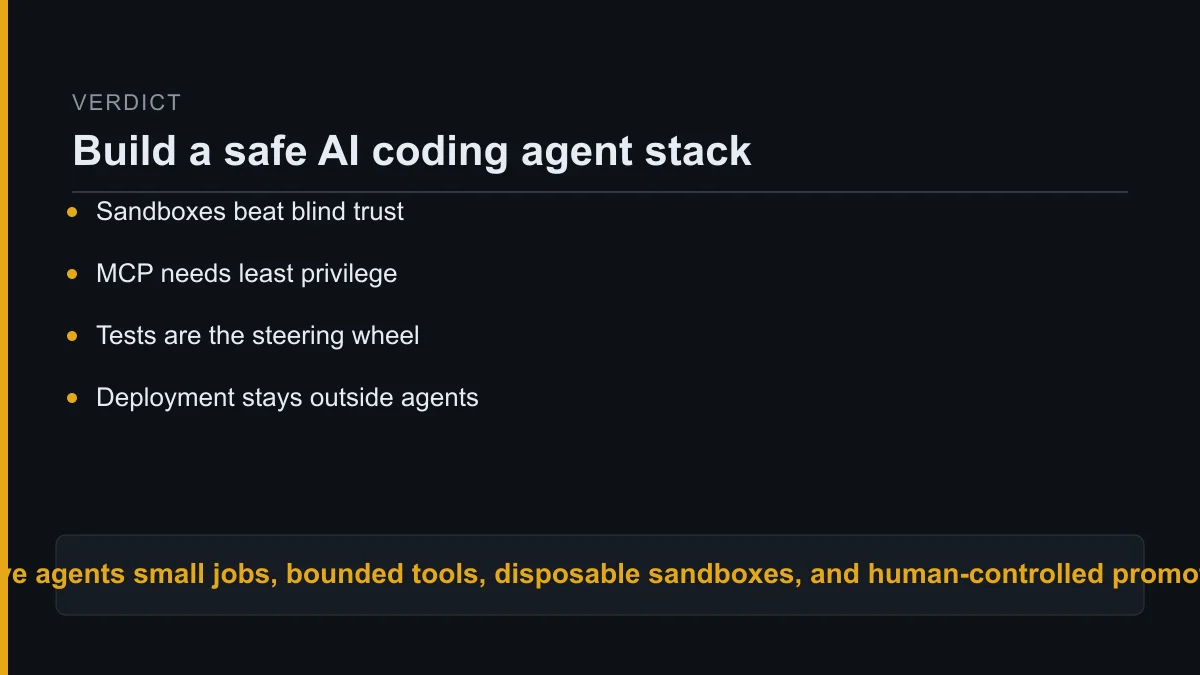
Build the stack around control points, not autonomy. The correct default is branch access, sandbox execution, read-only tools, review before merge and gated deployment.
If you remember one rule, make it this: the agent can accelerate the work, but the system must constrain the blast radius.
A durable AI coding agent stack is not the one with the newest model. It is the one that lets you ship real software while keeping production, secrets and judgment out of reach.
About Kurt Stockhausen
Kurt Stockhausen runs a business and uses AI agents to build the systems that operate it.
He writes build logs from real workflows: what was wired up, what it cost, and what broke. Kurt is not a developer by trade; the tools are a means to run the business better.
[[VERIFY: exact required footer block was not included in the assignment brief. Insert house footer before publication.]]
